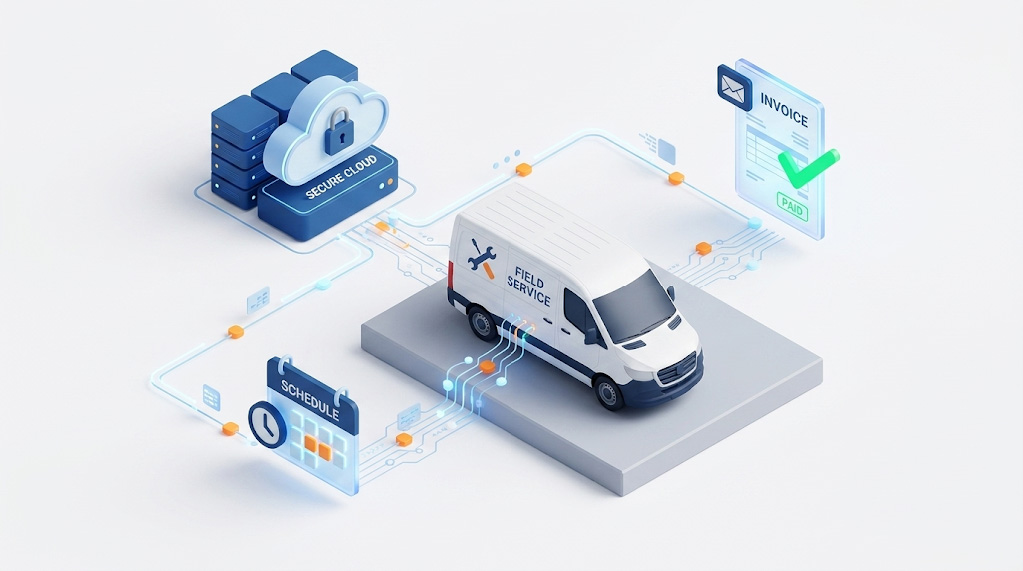
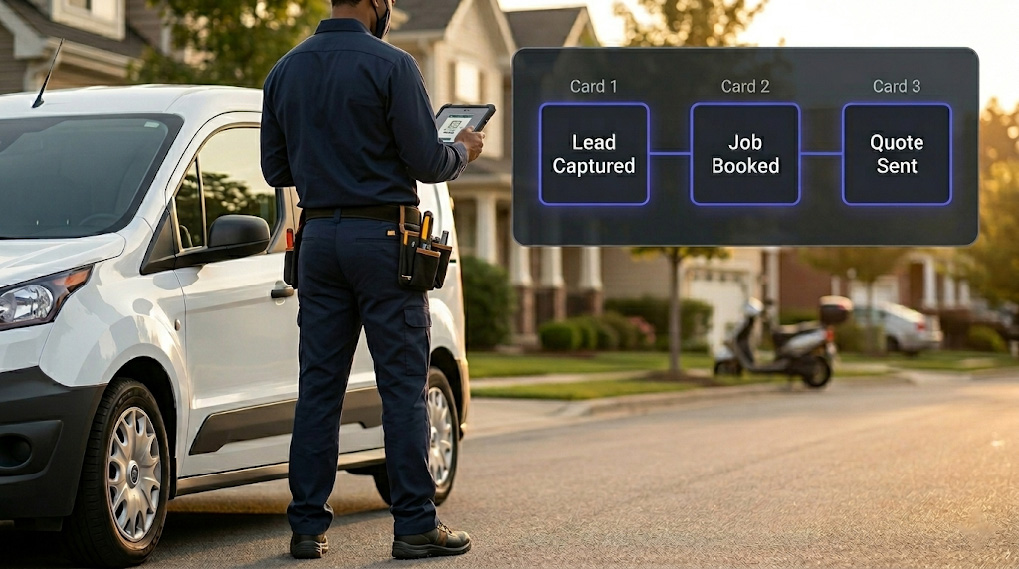
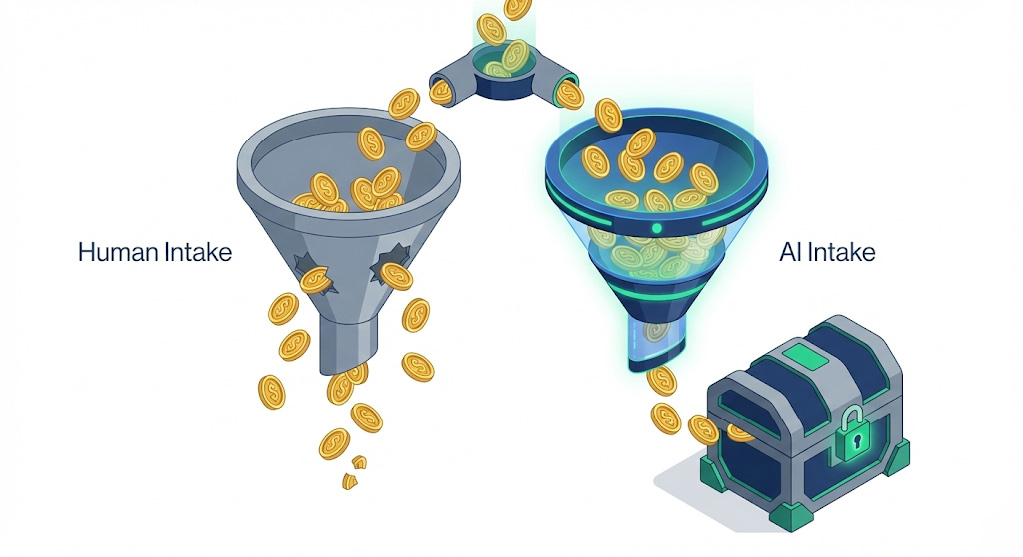
Lean marketing and sales teams face a massive challenge: keeping pace with market demands when their resources are stretched thin. If you are a small business owner, a founder, or a marketing manager running a tight operation, you know the daily reality of trying to scale growth while managing manual operational chaos.
Many businesses invest in a platform, searching for the best CRM for small businesses, assuming it will solve their growth bottlenecks. But a CRM alone is just a static digital filing cabinet. The real competitive advantage lies in what happens after a prospect interacts with your brand.
This article breaks down how lean teams can transform traditional customer records with modern CRM automation, outlines how to reduce marketing costs, and details how to secure rapid response speeds without an enterprise budget.
1. The Operational Friction of Fragmented Systems
Why do separate marketing tools drain small business productivity?
Separate marketing tools drain small business productivity by trapping customer data in isolated software silos. This fragmentation forces lean teams to waste hours on manual data entry, slows down lead response times, and obscures true campaign return on investment.
Many growing businesses operate with scattered tools that do not communicate seamlessly. It is incredibly common to find an operation using one platform for web forms, a separate app for calendar scheduling, another for email campaigns, and an entirely isolated system for customer records.
This fragmentation causes direct operational bottlenecks:
- Manual Bottlenecks: Teams spend valuable hours downloading and uploading CSV files to move lead data across systems.
- Information Silos: Sales reps often contact prospects without knowing which website pages or marketing resources the lead previously viewed.
- Delayed Responses: When an inquiry arrives, manual internal routing often delays follow-ups by hours, letting high-intent traffic cool down.
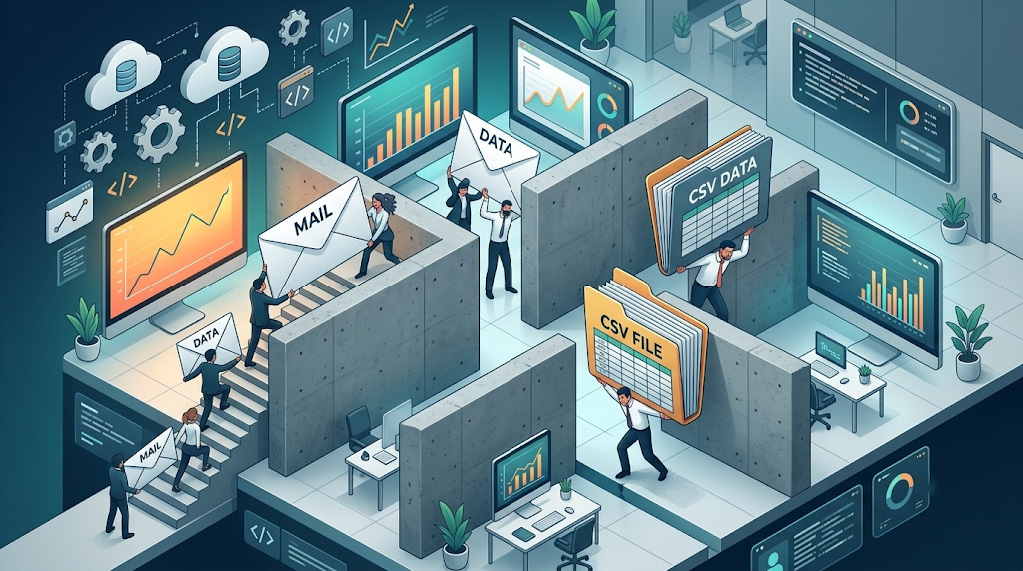
A traditional software stack requires constant human management just to keep data synced. For a small team, this fragmentation diverts focus away from closing deals and executing strategy.
2. Benefits of CRM for Small Business Workflows
How does centralized customer management improve team performance?
Centralized customer management improves team performance by unifying all buyer touchpoints into a single, accessible timeline. This database gives sales and marketing reps immediate access to communication histories, eliminating internal guesswork and preventing missed opportunities.
When every touchpoint, including website visits, form completions, and sales calls, is logged into one central timeline, your team gains complete context.
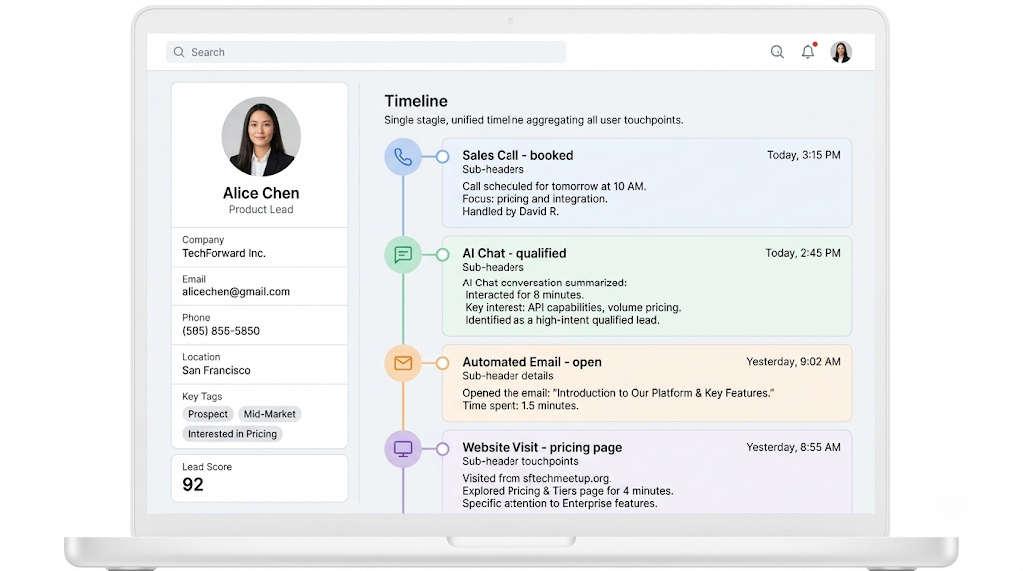
This alignment ensures that any team member can open a customer record and instantly understand the relationship history. Unified data eliminates internal guesswork and prevents double-messaging or skipped follow-ups.
Maximizing Resource Efficiency
Consolidating your workflow logic reduces the need to purchase endless single-use tools to bridge the gaps between your software. Instead of buying individual licenses for complex data routers, specialized form builders, and external alert systems, lean operations focus on platforms that offer native CRM automation.
By running automated sequences directly alongside your customer database, you significantly minimize the technical hours your team spends troubleshooting broken API connections or manually updating deal stages.
3. The Reality Check: A CRM Stores Data, It Doesn’t Execute
Can standard CRM software automate your sales outreach out of the box?
Standard CRM software cannot automate your sales outreach out of the box because it acts primarily as a passive data repository. While CRMs excel at archiving customer contact information, they require external automation layers to actively engage leads, answer calls, or schedule appointments.
There is a common misconception that buying a CRM automatically automates a business. A standard CRM is excellent at storing phone numbers, tracking sales pipelines, and archiving emails. But out of the box, a CRM cannot perform operational heavy lifting:
- A CRM does not answer missed calls.
- A CRM does not reply to a website inquiry at midnight.
- A CRM does not qualify web visitors in real time.
- A CRM does not proactively book appointments on your calendar.
If your marketing strategy relies on a human staff member manually checking the CRM to trigger every single follow-up, you face an operational bottleneck. True efficiency happens when your central database is connected directly to an execution layer that functions around the clock.
4. How to Implement Lean Team Marketing Strategies Effectively
What is the most effective lead management strategy for lean teams?
The most effective lead management strategy for lean teams is automating the path from initial intake to final calendar booking. Connecting your website channels directly to automated routing sequences secures high-intent prospects instantly and removes manual administrative work from your sales staff.
To match the operational speed of larger competitors, lean teams must focus on the crucial metric of speed-to-lead. When a prospect reaches out, their buying intent is at its peak. If you wait hours to respond, they often move down the search results to a competitor.
Here is how a high-efficiency lead management workflow operates with an automated infrastructure:
[ Visitor Lands ]
│
▼
[ AI Chat / Voice Answers ] ───► (Qualifies & Books Meeting Instantly)
│
▼
[ Automatically Creates/Updates CRM Record ]
│
▼
[ Sales Rep Receives Instant Notification ] ───► (Zero Manual Work)
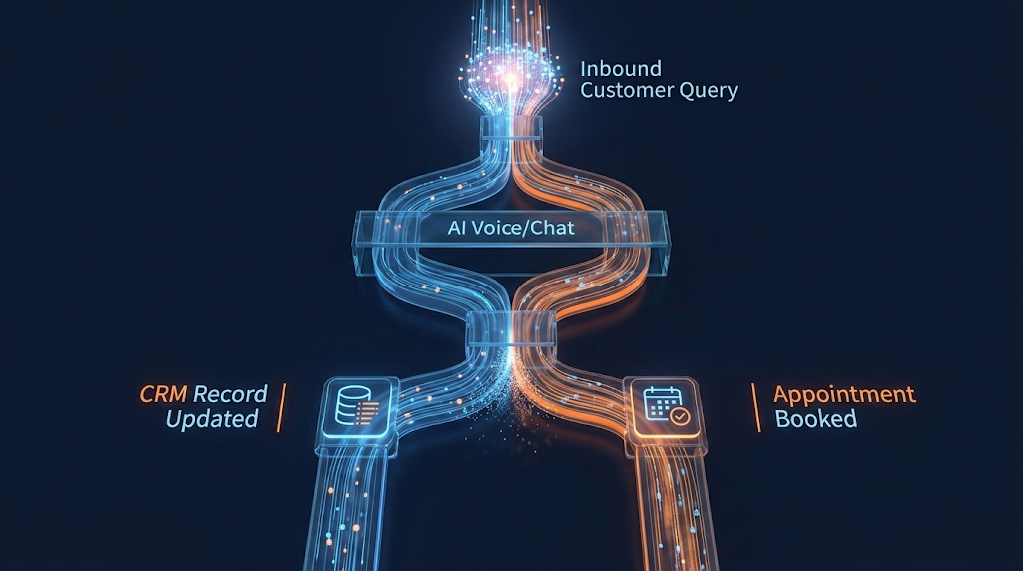
By connecting your intake channels directly to automated routing and instant response sequences, you guarantee that your business interacts with incoming inquiries within seconds. This process qualifies prospects and secures appointments completely hands-free, preserving your team’s time for high-value sales conversations.
💡 Quick Audit
Ask yourself:
✓ Do leads automatically enter your CRM?
✓ Does every missed call trigger a follow-up?
✓ Can someone book after hours?
✓ Are chats answered instantly?
5. Closing the Gap with CRM Automation
How does CRM automation give small businesses a competitive advantage?
CRM automation gives small businesses a competitive advantage by turning static data into immediate customer engagement. Layering automated tools over your existing system allows your business to capture, qualify, and book leads instantly without hiring extra staff.
A CRM is a necessary tool for storing customer information, but it requires a proactive engine to drive real business growth. The modern standard for lean teams is a CRM enhanced with AI automation, a system where your customer data actively feeds your communication channels.
This operational efficiency is where Power Reach AI solves the problem for growing businesses. Power Reach AI does not replace your preferred database software like HubSpot, Salesforce, or Zoho. Instead, the software integrates directly with your existing setup to act as the missing execution layer.

By deploying active AI Chat, Voice, and Lead Capture agents, the platform handles 24/7 qualification, answers after-hours inquiries, and books appointments directly into your calendar. The system instantly writes this data to your CRM record, removing manual entry, eliminating data gaps, and allowing a lean team to achieve total operational coverage.
Summary Checklist: Evaluating Your Workflow Efficiency
- Instant Data Sync: Do web inquiries populate your customer records automatically without manual exports?
- 24/7 Coverage: Does your system respond to a lead who submits a form at midnight within 5 minutes?
- Automated Scheduling: Can a qualified prospect book a meeting directly onto your calendar from your website?
- Complete History: Is every automated interaction logged on a single customer timeline?
- Minimal Maintenance: Can your team run campaigns without constantly building custom integration bridges?
Frequently Asked Questions (FAQs)
Does a small business need to switch CRMs to use AI automation?
No, small businesses do not need to switch platforms to utilize modern workflows. Modern automation systems connect directly with the software you already use, allowing you to layer intelligent automation over your current database.
What is the primary cause of lead drop-off for lean teams?
The primary cause of lead drop-off is delayed response times. When a lean team is busy managing daily operations, incoming web forms or after-hours inquiries sit unaddressed, giving prospects time to find a faster competitor.
How does CRM automation directly reduce overhead costs?
CRM automation reduces overhead by eliminating the need for manual data entry and repetitive follow-ups. By automating the qualification and booking process, a lean team can manage a high volume of inbound leads without needing to hire dedicated administrative staff.
Can AI CRM automation help with lead qualification before sales reps get involved?
Yes, AI-powered CRM automation can automatically evaluate incoming inquiries using pre-set rules, natural language processing, or interactive chatbots. It scores prospects based on intent, budget, and specific needs, ensuring sales reps focus their time exclusively on high-value, ready-to-buy leads.
How long does it typically take a lean team to set up AI CRM workflows?
With modern execution layers that integrate into existing platforms via native APIs, basic workflows such as instant lead capture, automated form responses, and scheduling triggers can be set up in a matter of days without requiring custom software development or lengthy IT overhauls.